
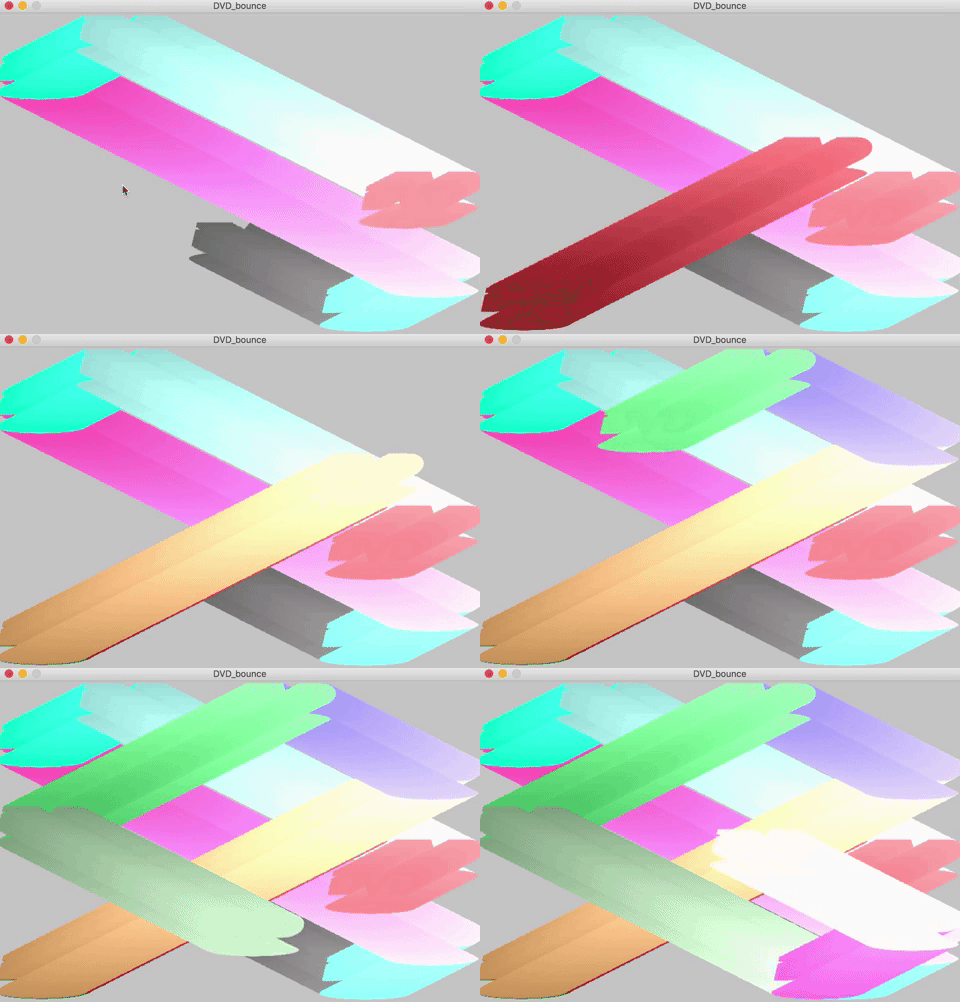

The First properly fun things i’ve made that’s more visual than soul destroying code.
It’s not the neatest code i’ve written, I think i’ve overused global in places it’s not needed, but in moving from java to python i’ve missed some key translations.
This little program simulates the DVD screen-saver in old dvd systems.
You have the ability to draw the background each iteration and have just the dvd symbol once bouncing around.
or
You can leave the background in the setup definition, this leave a stunning little tail of the symbol as it bounces.
I made a few little changes to the color of the symbol so that through the movement the shade changes slightly.
I really like it.
cYspeed = 5
cXspeed = 5
cYspeed = random(1, 3)
cXspeed = random(1, 3)
speed = 20
DVDcolor1 = 20
DVDcolor2 = 20
DVDcolor3 = 20

def setup():
    global img
    global cX
    global cY
    global bg
    bg = loadImage("clam.jpg")
    cX = random(200, width)
    cY = random(200, height)
    size(700, 467)
    img = loadImage("DVD.png")
    smooth()


def draw():
     background(bg)
     global bg
     global DVDcolor1
     global DVDcolor2
     global DVDcolor3
     global img
     global cXspeed
     global cX
     global cYspeed
     global cY
     tint(DVDcolor1+(cX/4), DVDcolor2+(cX/4), DVDcolor3+(cX/4), 255)

image(img, cX - 120, cY - 90, img.width / 5, img.height / 5)

# this starts the animation, using cSpeed for pixles speed
cX = cX + cXspeed
cY = cY + cYspeed

# this sends the ellipse in reverse to the direction its heading when it
# hits a wall
if (cX + 20 >= width or cX - 110 < 0):
    cXspeed = cXspeed * -1
    DVDcolor1 = random(255)
    DVDcolor2 = random(255)
    DVDcolor3 = random(255)
if (cY - 20 >= height or cY - 90 < 0):
    cYspeed = cYspeed * -1
    DVDcolor1 = random(255)
    DVDcolor2 = random(255)
    DVDcolor3 = random(255)

# this resets the program when any key is pressed
if keyPressed:
    setup()

 Ash Marshall - Archive